
On this page
- A quote is not a project brief
- 1. Carry the correct client and contact record
- 2. Preserve the accepted scope—not the latest draft
- 3. Move exclusions and assumptions with the scope
- 4. Carry promised dates with context
- 5. Carry ownership and the next responsible person
- 6. Keep approvals and decision history
- 7. Carry the commercial terms delivery needs to respect
- 8. Bring the files that explain the work
- 9. Preserve lead source and commercial context
- 10. Generate the first delivery actions automatically
- What should not be copied automatically
- A simple quote-to-project handover model
A quotation can be accepted and the project can still start badly. The usual problem is not the CRM screen—it is the handover. Sales knows what was promised, delivery knows what it needs to do, but the information between them is incomplete or has to be retyped.
Treat an accepted quote as structured project input, not just a PDF. Carry the client, accepted scope, assumptions, dates, approvals, commercial terms, files and ownership into delivery, then create the first actions automatically.
A quote is not a project brief
Sales and delivery teams often look at the same customer from different angles. Sales needs enough information to price and win the work. Delivery needs enough detail to plan, assign, schedule and control it. When an accepted quotation becomes a project, the system should bridge those two views instead of asking the project team to start again.
The handover problem usually appears when the quotation is treated as a PDF attachment rather than structured data. The PDF may show the price and a short scope, but not the assumptions, decision history, owner, dependencies or promised dates that explain how the deal was sold.
1. Carry the correct client and contact record
The project should inherit the company/customer record and the people actually involved in delivery: decision maker, day-to-day contact, finance contact where relevant and any site or branch contact.
Avoid creating a second customer because the project team cannot find the sales record. Duplicate clients break reporting and make later support history difficult to follow.
2. Preserve the accepted scope—not the latest draft
A CRM may contain several quotation revisions. The project must inherit the accepted version and keep the earlier revisions as history, not mix line items from different drafts.
Where the quote includes service lines, quantities or milestones, those should be available to the project without retyping. The delivery team still needs permission to refine tasks; it should not silently change what the customer accepted.
3. Move exclusions and assumptions with the scope
An exclusion is often more important to delivery than a feature list. If sales priced a website excluding copywriting, or a software implementation assuming clean source data, that condition needs to be visible when the work starts.
Store assumptions and exclusions as structured handover notes or linked sections, not only inside an email thread.
4. Carry promised dates with context
“Need this next month” is not a project plan. Preserve the dates that were actually discussed: target start, customer deadline, event/go-live date, approval deadline, renewal date or external dependency.
Also preserve whether a date is committed, requested or provisional. That one distinction prevents many avoidable arguments after handover.
5. Carry ownership and the next responsible person
The deal owner and the delivery owner are not always the same person. The handover should identify who closes the commercial side, who leads delivery and what has to happen before the new owner takes responsibility.
A useful transition can be as simple as: quote accepted → deposit/instruction confirmed → project created → project owner assigned → kickoff task generated.
6. Keep approvals and decision history
A team should be able to see what the customer approved without searching email. Record accepted quotation, important variation approvals and any decisions that materially change scope, price or timing.
This does not mean storing every chat message. Keep the decisions that affect execution.
7. Carry the commercial terms delivery needs to respect
The project team may not need every accounting detail, but it usually needs the billing schedule, deposit requirement, milestone invoice points, currency and whether work is allowed to proceed before payment.
If quotation currency can vary, carry the selected currency into the project and billing flow so values never become ambiguous.
8. Bring the files that explain the work
Requirements documents, approved designs, customer references, technical notes and attachments should be linked to the project at creation. A file sitting only inside the salesperson’s inbox is not part of the operating system.
Keep a clear difference between reference material and approved deliverables so the team knows what is authoritative.
9. Preserve lead source and commercial context
The project can become useful feedback for marketing and sales only if the source survives the handover. Keep campaign/source, original enquiry type, won reason and any important qualification notes that can later help answer: which kinds of leads become healthy projects?
Do not copy private or irrelevant conversation detail simply because it exists. Carry only what helps the next business decision.
10. Generate the first delivery actions automatically
The best handover ends with action, not a folder. When a quote is accepted, the CRM can create the project, assign the owner, generate a kickoff checklist, create the first customer follow-up and flag any prerequisite such as deposit, credentials or source data.
Automation should make the agreed process happen consistently. It should not make hidden decisions for the team.
What should not be copied automatically
Not every sales note belongs in a project. Internal probability scores, speculative budget comments, unverified statements and casual chat can confuse delivery if they are promoted to “fact”.
- Copy accepted facts and decisions.
- Keep earlier drafts as history, not as current scope.
- Separate customer-facing commitments from internal sales notes.
- Do not expose private internal commentary in a client portal.
- Allow a project owner to review the generated handover before kickoff.
A simple quote-to-project handover model
For many service businesses, a practical flow is: Enquiry → Opportunity → Quotation → Approval → Project → Tasks/Milestones → Billing → Support. The value is not the number of modules. The value is that each stage inherits the information it actually needs.
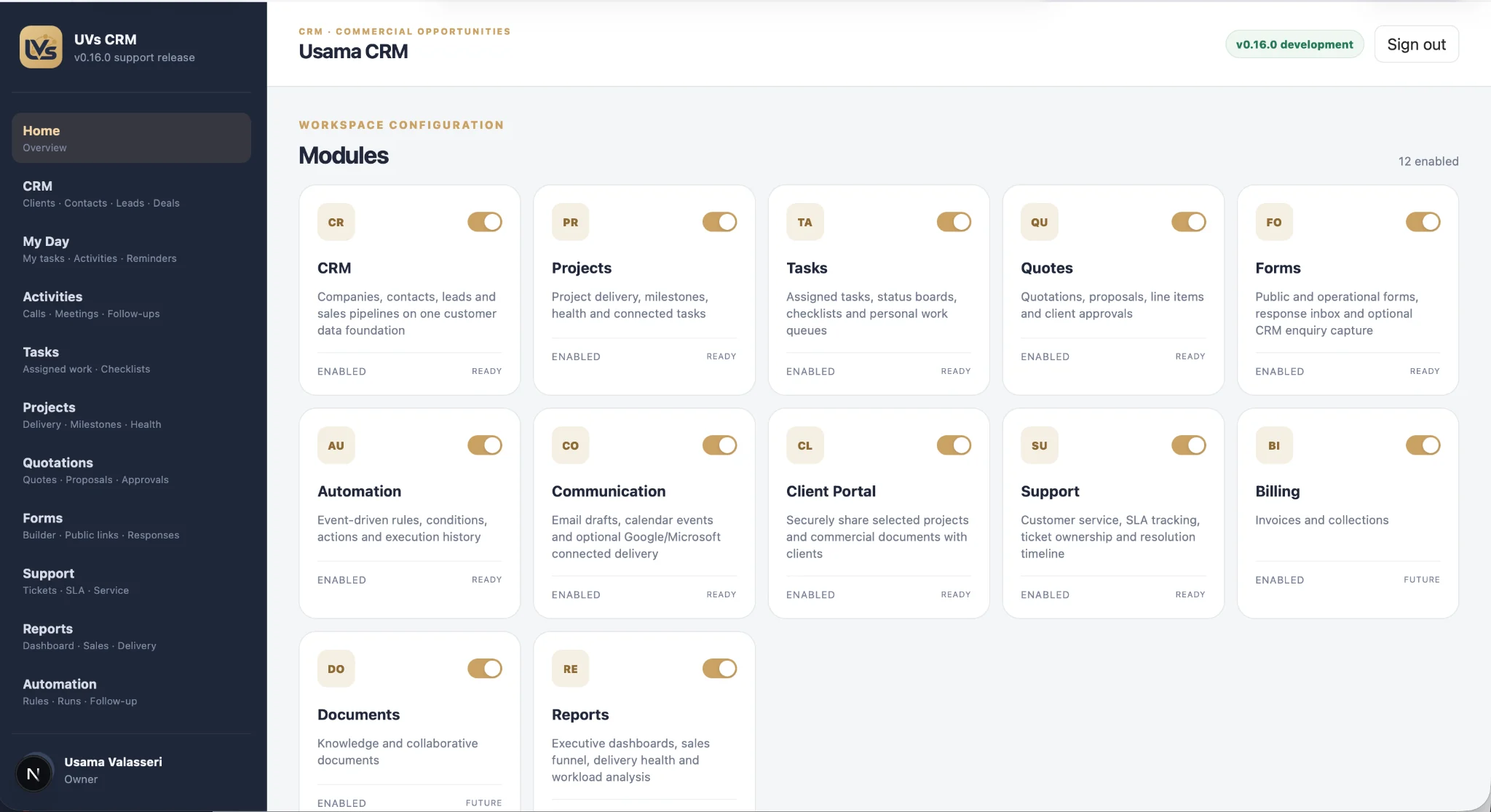
When we work on UVs CRM, the design goal is exactly that: clients, contacts, opportunities, quotations, projects, tasks, forms, support, documents, billing and automation should share one customer and operational data foundation rather than becoming separate islands.
This article reflects the handover questions we have been working through while developing UVs CRM: how enquiry, opportunity, quotation, client, project and task records should connect; how currency and values remain unambiguous; and how accepted information carries forward without exposing irrelevant sales notes.
Common questions
Should an accepted quotation automatically create a project?
It can, but the automation should follow your operating rule. Some businesses need a deposit, signed approval or internal review before project creation. The CRM should enforce the agreed gate rather than assume every accepted quote is ready to start.
Should sales notes be visible to the delivery team?
Only the notes that help delivery. Keep internal commercial commentary separate from factual requirements, customer decisions and approved scope.
What if the project scope changes after handover?
Record the change as a controlled variation or updated approval rather than silently editing the original accepted scope. That keeps the history clear for both delivery and billing.