
On this page
Automation should remove repeated decisions, not hide them. Before connecting a website, WhatsApp, email or form to a CRM, draw the path an enquiry should take and decide which system owns each step.
A reliable automation needs four things before code: a clear trigger, a clear owner, a defined state change and a visible exception path.
Define what counts as a new enquiry
Decide which channels create records automatically and which do not. A website form may create a lead immediately; a general email inbox may need manual review; a WhatsApp conversation may only become a CRM lead after the customer shares enough information.
Avoid creating a new record for every message. The trigger should represent a business event, not raw activity.
Decide how duplicates are recognised
A returning customer may use the same phone number but a different email address. Two employees may enter the same company. Without duplicate rules, automation can create parallel histories for one customer.
Choose the identifiers that matter—phone, email, company registration number or a combination—and decide whether the system should block, warn or merge.
Assign ownership deliberately
Round-robin assignment sounds fair but may not match the business. Some leads belong to a service specialist, account owner, branch or geography. Write the rule in plain language and decide what happens when the intended owner is unavailable.
Ownership should be visible to everyone who needs to collaborate, but only the right roles should be able to reassign or close the opportunity.
Separate qualification from data collection
Do not make customers answer twenty questions before they can speak to a person. Collect only the information needed for the next useful action. More detail can be gathered later.
A good first qualification may capture service, location, business type, urgency and a short requirement. The CRM can then prompt the salesperson for the next missing field as the opportunity progresses.
Attach every follow-up to a reason and date
“Follow up” is not enough. Store when, why and by whom. If the customer says “call me after the 25th,” the CRM should create a dated task with context. If a quotation is sent, a follow-up can be created relative to that event.
This is where automation becomes useful: it handles predictable reminders while the salesperson handles judgement.
Design the quotation hand-off
Decide which information must be complete before a quotation can be created, who can approve discounts, how revisions are stored, and what should happen when the customer accepts or rejects.
The CRM should not become a second accounting system unless that is intentional. Often it is better to send the approved commercial data to the billing or ERP system at the right stage.
Make failure visible
Every integration fails eventually: an API is unavailable, a webhook times out, a field changes, or an invalid value is sent. The automation should log the failure and surface it to a person. Silent failure is worse than manual work because the team thinks the task happened.
For important integrations, define retries and a queue or monitoring view before launch.
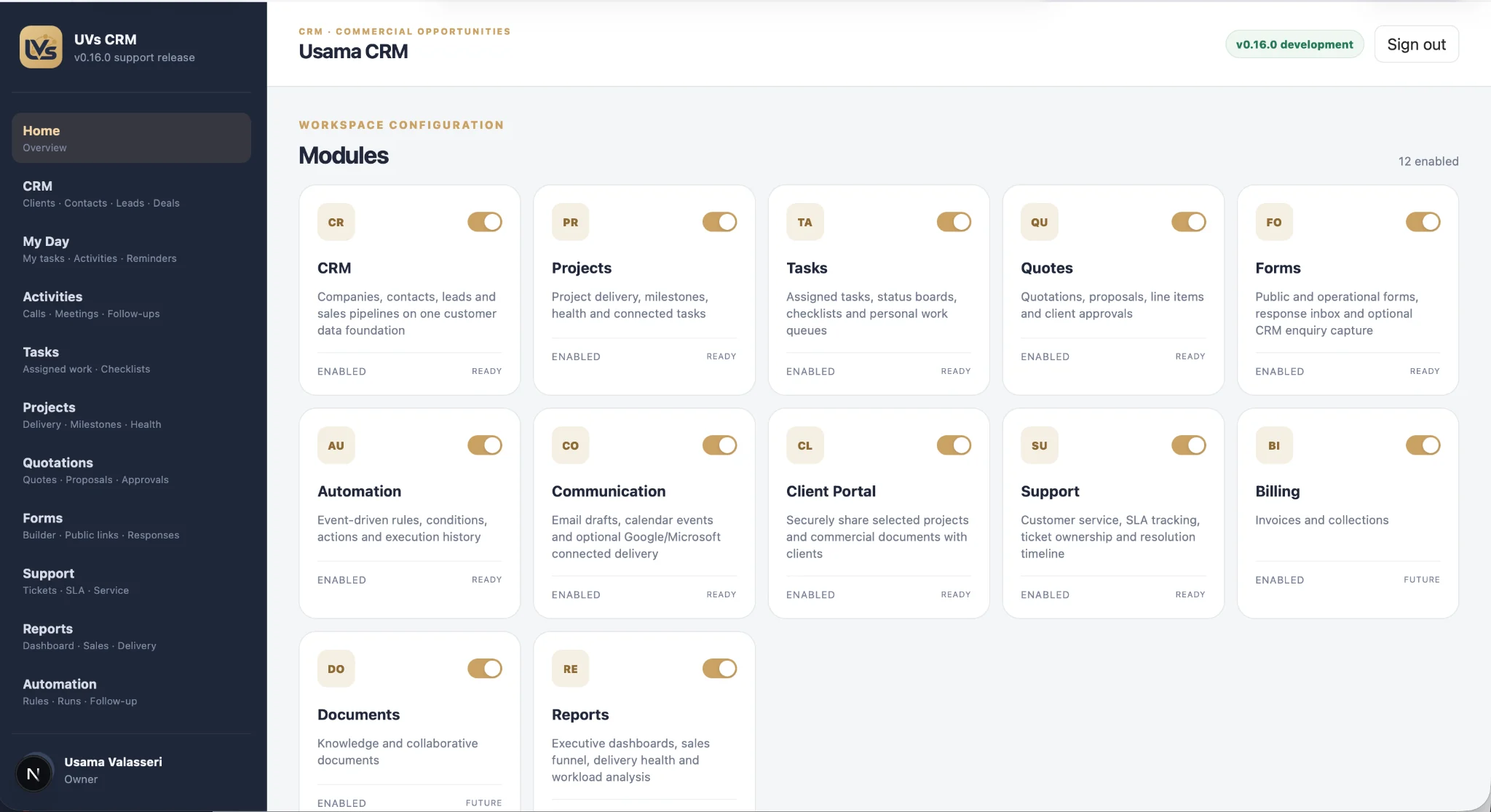
UVs CRM includes automation, communication, projects, quotations, forms, support, billing and reporting modules. Our design goal is not “automate everything”; it is to make ownership and state changes explicit so automation has reliable events to work with.
Common questions
Should every website form create a CRM lead?
Only if the form represents a genuine enquiry. Newsletter forms, support forms and job applications may belong in different workflows or objects.
How much data should an AI assistant collect before hand-off?
Only enough to route the enquiry and help the human continue the conversation. Long interrogation-style flows can reduce completion.
What should happen if the CRM integration fails?
Log the failure, retain the original enquiry safely, notify the responsible team and allow a controlled retry. Do not silently discard the lead.