
On this page
- 1. Instant acknowledgement without pretending to be human
- 2. Ask only the routing questions
- 3. Create or update the CRM record
- 4. Notify the right salesperson with context
- 5. Create a follow-up when no one responds
- 6. Follow up after a quotation
- 7. Use service reminders where consent and context are clear
- 8. Measure hand-off, not just messages sent
- What not to automate
The best WhatsApp automation is almost invisible. It answers or collects the predictable part, keeps the enquiry moving and gives a human enough context to continue. The worst version traps the customer in a long menu while the sales team waits on the other side.
Automate repetitive coordination, not judgement. Always give the customer a clear path to a person and keep the CRM or lead record as the operational memory.
Instant acknowledgement without pretending to be human
When an enquiry arrives outside working hours or during a busy period, an automatic acknowledgement can confirm receipt and set expectations. Keep the message short. Tell the customer it is an automated response and when a person is likely to continue.
Do not write a fake “Hi, this is Ahmed” message from a bot. Transparency builds more trust than pretending automation is a staff member.
Ask only the routing questions
Collect the minimum information needed to route the lead: service, location or branch if relevant, business type, urgency and a short requirement. If the customer already mentioned “AI automation,” do not ask the service again.
This is a lesson we applied to the UVs Digital Assistant itself: context should carry forward across the conversation so the automation does not feel like a rigid form.
Create or update the CRM record
Once the enquiry has enough information, create the lead or update the existing customer. Use phone/email identifiers carefully to avoid duplicates. Store the source and the service interest, but do not dump an entire private chat transcript into analytics systems.
The CRM should become the operational record for ownership, status and next action.
Notify the right salesperson with context
A useful internal notification includes who the customer is, what they need, the source and the required next step. It should not force the salesperson to open three systems just to understand why they were notified.
Routing can be based on service, branch, existing account owner or other business rules. Define what happens if the assigned person is unavailable.
Create a follow-up when no one responds
If a lead is still uncontacted after the agreed response window, create a task or escalation. Avoid repeatedly messaging the customer simply because an internal SLA was missed. Internal automation should solve internal delay first.
Follow up after a quotation
A quotation follow-up can be useful when it is tied to the actual quotation event and a sensible delay. The message should reference the context and invite a response, not send the same “just checking” text every day.
If the customer replies, the automation should stop or hand control back to the salesperson.
Use service reminders where consent and context are clear
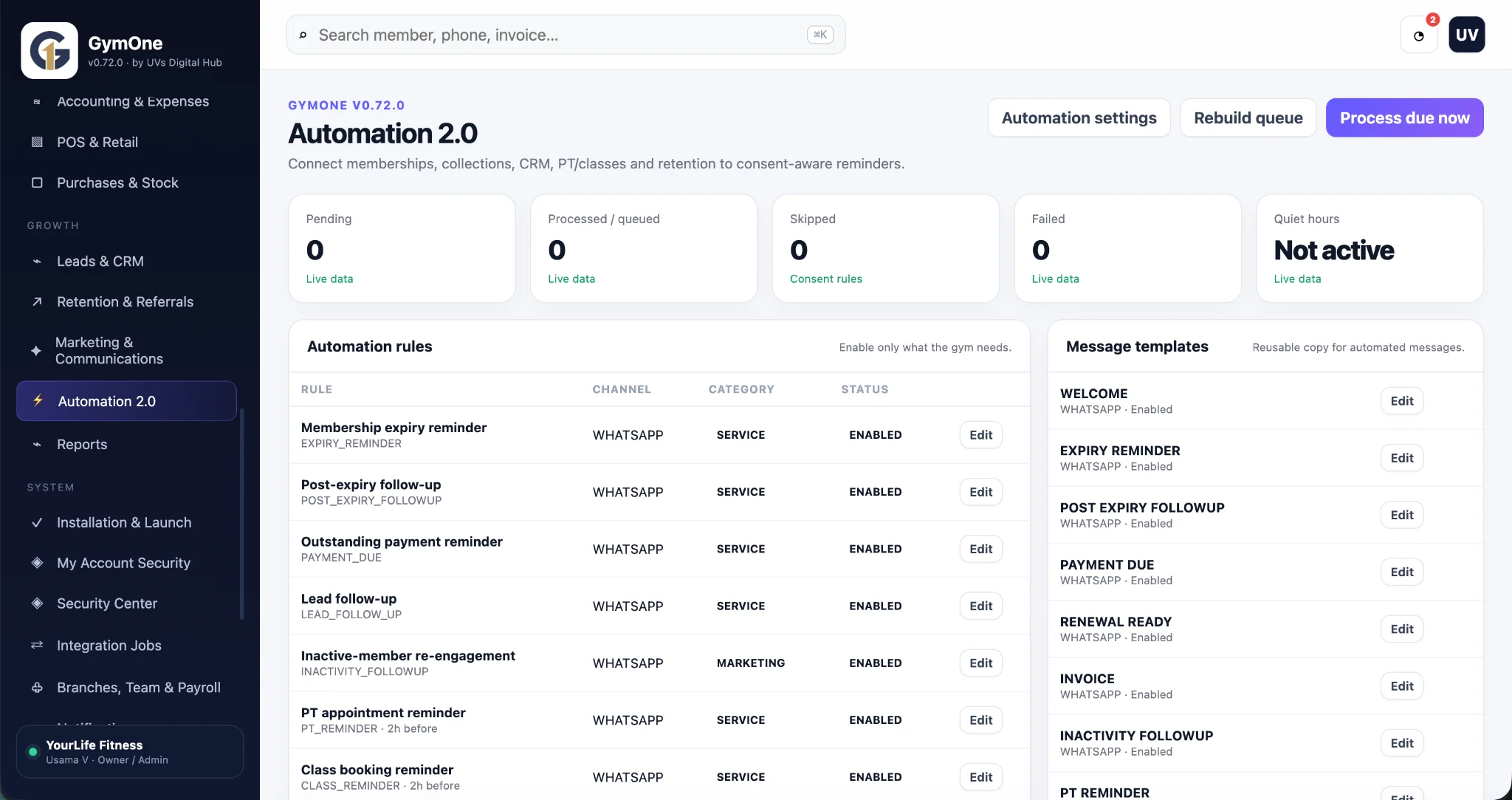
Membership expiry, appointments, renewals, payment due dates and service updates are strong automation candidates because the trigger is clear. Keep marketing re-engagement separate from operational/service messaging and configure the workflow around the applicable WhatsApp Business rules and customer permissions.
Measure hand-off, not just messages sent
A successful automation is not the one that sends the most messages. Measure whether leads reach the right person, follow-ups happen on time, customers respond, quotations progress and staff spend less time copying information.
Track the workflow stage in the CRM. Website analytics can measure the hand-off action, but the CRM or business system should carry the sales outcome.
What not to automate
Do not fully automate sensitive complaints, negotiation, complex technical qualification or situations where the system lacks reliable context. Use automation to prepare the conversation and surface the right information, then let a person make the judgement.
Always test failure cases: duplicated webhook, API outage, message delivery problem, wrong owner, customer reply during an automated sequence and a lead that already exists.
The UVs Digital Assistant on this website already demonstrates several principles from this guide: it remembers context across pages, can collect a short project brief, lets the visitor bypass automation and move directly to WhatsApp, and prepares a clean human hand-off.
Common questions
Should a WhatsApp bot answer every question?
No. A structured assistant can cover routine questions, but complex or high-value discussions should have an easy human hand-off.
Can automation create CRM leads automatically?
Yes, when the CRM and WhatsApp/integration setup support it. Duplicate control, field mapping, consent and failure handling should be designed first.
Should we store the entire WhatsApp chat in analytics?
No. Analytics should measure actions and useful non-sensitive context. Customer message content and personal details should stay in systems designed to handle that data appropriately.