
On this page
A billing-software demo is much more useful when you arrive with real examples. Instead of asking whether the system supports “billing, inventory and reports,” bring one sale, one purchase, one return, one credit customer and the reports you need at the end of the day or month.
The best requirements describe transactions, exceptions and reports. “Need billing software” is a category; “need to sell by branch, track credit customers and reconcile cash/card collections daily” is a specification.
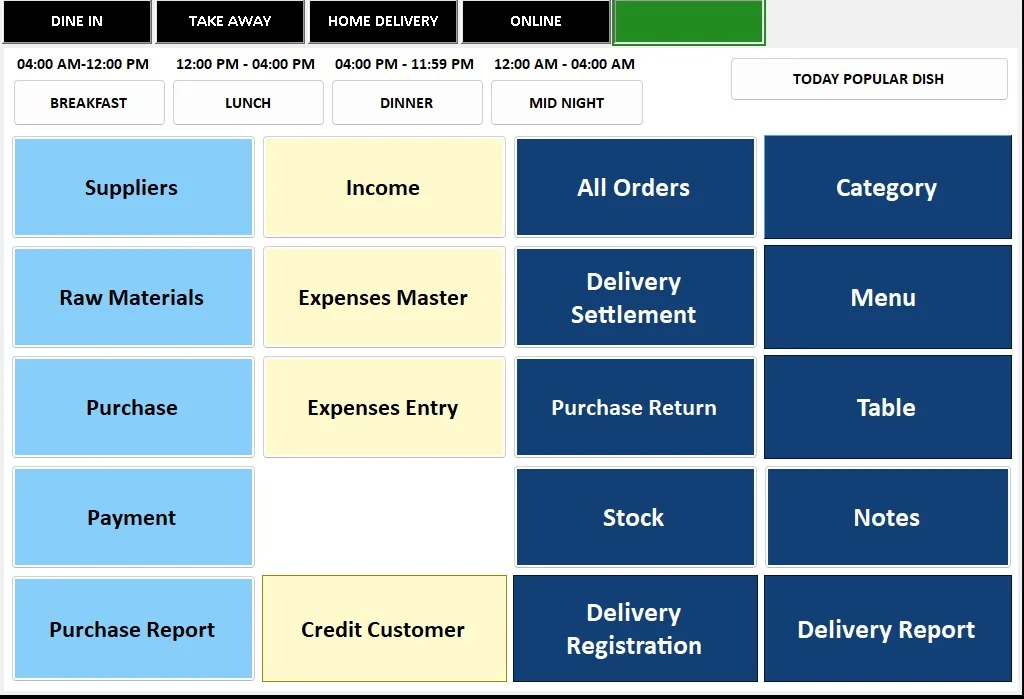
List the transaction types
Start with what money and stock movements the system must record: cash sale, card sale, credit sale, quotation, invoice, purchase, return, expense, receipt, payment and adjustment. Different businesses need different combinations.
If you operate restaurants, typing centres, optical shops, groceries or laundries, add the industry-specific transaction flow as well. The demo should use your real sequence rather than a generic retail example.
Describe VAT and invoice requirements
Document whether prices are entered VAT-inclusive or exclusive, which invoice fields you need, how credit notes or returns are handled, and which VAT summaries management expects. Do not assume every screen labelled “VAT” matches your process.
For UAE e-invoicing, treat readiness as an integration and data-structure requirement. The Ministry of Finance states that an eInvoice is structured invoice data exchanged electronically; ordinary PDFs, Word files, images, scans and emails are not eInvoices by themselves. Ask how the software can integrate with the official framework and accredited service providers as your business becomes subject to the system.
Define customer and supplier credit
If you sell on credit, decide how limits, outstanding balances, receipts and ageing should work. Ask whether one customer can have multiple invoices and partial payments and how the system shows the remaining balance.
For suppliers, define purchase credit, payment records and statement requirements. Credit controls are much easier to build when the rules are explicit before data migration.
Map inventory in the units you actually use
List items, variants, units, barcodes, opening stock, purchase units, sales units, minimum levels and adjustments. Restaurants may need raw materials and recipes; optical stores may need frame and lens details; laundries may track services rather than physical stock.
Do not buy an inventory module because the word “inventory” appears in the menu. Test a real receive–sell–return–adjust cycle.
Write down daily and monthly reports
Bring the reports management already uses. Typical examples include sales by payment mode, profit, VAT, outstanding customers, stock movement, purchase totals, expenses, branch comparison and cashier activity.
A report is useful only if the transaction data required to produce it is captured consistently. Ask where each number comes from and whether staff can trace it back to the underlying transactions.
Decide branch, user and approval rules
If multiple branches or counters use the system, define what each user can view or edit. A cashier may create bills but not delete them. A manager may approve discounts. Head office may need consolidated reporting without allowing one branch to edit another branch’s transactions.
Permissions should reflect real responsibilities, not just “admin” and “user.”
Plan migration, backup and support
List what must come from the old system: customers, suppliers, items, opening balances, stock, outstanding invoices and historical data. Not every old record needs to be migrated into the live transactional database.
Also ask how backups, restores, updates and support work. A billing system is operational software; recovery and support are part of the product, not optional extras after purchase.
UVs Digital Hub works with UAE billing/POS flows for restaurants, grocery/retail, typing centres, optical businesses and laundries. That experience is why our scoping starts with real transactions and end-of-day reporting rather than a generic feature checklist.
Common questions
Should UAE billing software be called “FTA approved”?
Do not rely on that phrase unless there is a specific verified accreditation that applies. For e-invoicing, the UAE Ministry of Finance publishes the official programme information and Accredited Service Provider framework.
Can billing software work offline?
Some systems can support offline/local operation with later sync, while others require connectivity. Clarify the expected behaviour during an internet outage before choosing the architecture.
How much old data should we migrate?
Migrate what the business needs for continuity and reporting. Opening balances and active records may be more important than importing every historical transaction into the new live database.